101
Welcome! If you’ve ever been to a concert with giant video screens, a corporate event with dynamic visuals, or an immersive museum exhibit, you’ve already seen media servers in action. This guide will demystify media servers – specifically 2D media servers – in simple terms. We’ll cover what they are, why they’re useful, the different types available, and real-world use cases across various industries. By the end, you’ll understand how a media server can take your venue’s visuals from ordinary to extraordinary (and why Hirender might be the right choice for your needs).
What Is a Media Server?

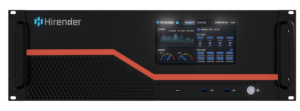
A media server is essentially a specialized computer system (hardware plus software) designed to play back and manage multimedia content (like videos, images, and audio) across multiple displays in a coordinated way. Think of it as the central “brain” for all your screens and projectors – it stores your visual content, handles high-resolution video processing, and outputs perfectly timed signals to every display.
Unlike a standard PC or DVD player that might struggle to keep two screens in sync, a media server can synchronize many outputs at once, ensuring that a video wall, projection, and even lighting effects all stay perfectly in time. In fact, media servers are built for professional AV setups: they pack high-speed drives, powerful GPUs, and special software for timeline editing and show control. This means you get a single interface to control videos, lighting cues, sound, and more on a schedule or in real-time, with seamless transitions and frame-accurate playback.
In plain English, a media server is like a visual conductor: it orchestrates your videos and graphics on every screen, keeping everything in sync and allowing live control. Originally, media servers just played back video to big screens or projectors, but today’s systems do much more – from interactive real-time effects to integration with stage lighting and audio, all from one box. The result is a more immersive and impactful experience for your audience.
Why Use a Media Server? (Key Benefits)

Media servers offer a host of advantages for managing visual content in events and installations. Here are some key benefits that make them invaluable:
Perfect Synchronization: Media servers ensure that content on all displays stays in lockstep. Whether you have one big LED wall or 10 projectors, the server will play all video channels in sync, eliminating the nightmare of one screen being a second off. This synchronization extends to other show elements too – you can lock video playback to lighting and audio cues for a cohesive show.
Real-Time Control & Flexibility: With a media server, you’re not stuck with just hitting “play” on a video. You can trigger content on the fly, adjust visuals in real-time, and even incorporate live inputs (like a camera feed or social media data) into your displays. For example, you might fade in a live Twitter feed on a stadium screen or react to a DJ’s music beat in a club. Media server software often includes an easy interface for making on-the-spot changes or improvising during a show. This gives you the flexibility to be creative and responsive, which is hard to do with traditional video playback.
High Resolution, High Performance: Media servers are built to handle ultra-high-definition content with ease. Need to run a 4K or 8K video (or even higher)? A good media server won’t break a sweat. They use high-performance CPUs/GPUs and fast storage to play huge video files smoothly, even uncompressed 10-bit video at very high resolutions. This means your visuals look crisp and clear on big LED walls or projection surfaces, without lag or quality loss. If you have a massive canvas (say a wide panoramic screen or multiple tiled displays), the server can output a combined high-res image to cover it

Multi-Display Management: One media server can drive multiple screens and projectors at once, treating them as one large canvas or as separate coordinated outputs. You can easily spread a single video across an array of screens or have different content on each screen – all controlled from one system. The media server’s software handles the mapping of content to each output (including any alignment, blending, or warping for projectors). This makes managing a complex display setup much simpler than juggling several laptops or players. For instance, Hirender supports essentially unlimited displays – from standard monitors to giant LED walls and multi-projector setups – all from one server.
Centralized Show Control: A media server often doubles as a show control system. Rather than running separate systems for audio, lighting, and video, the media server can act as the hub that triggers lighting changes, plays sound effects, and animates videos all according to a master timeline. You can pre-program an entire event’s visuals and cues in one place. This timeline-based programming ensures every element happens at exactly the right moment. It’s like having a “mission control” for your show – beneficial for complex productions like theater plays or ceremonies. With support for standard show control protocols (e.g. DMX or MIDI), the server can send commands to lighting consoles or listen for triggers, making integration seamless.
Reliability & Backup: Professional media servers are built for reliability. They’re often rack-mount machines with robust components to run 24/7 without crashing. Many systems offer fail-safes like backup servers running in hot standby – if the main server has an issue, a backup can take over output instantly, so the audience never notices an interruption. This kind of redundancy is a huge advantage over ad-hoc solutions. Hirender, for example, provides a primary-backup mode with real-time sync and automatic failover to ensure an uninterrupted show even if hardware fails. In critical events (imagine a large conference or live broadcast), this peace of mind is invaluable.
In short, using a media server gives you powerful control, consistency, and scalability for your visual content. You can do more (and do it more easily) than with conventional playback methods – from synchronizing dozens of screens to adapting content live – all while ensuring a smooth, professional presentation.
Types of Media Servers

Not all media servers are alike. There are a few ways to classify the different types of systems available, depending on your needs and budget. Let’s break down some main categories and what they mean:
2D vs. 3D Media Servers: You’ll often hear media servers described as 2D or 3D. 2D media servers work in a flat coordinate space – essentially treating your content and screens like layers on a flat canvas. They are perfect for setups like LED walls, flat screen arrays, or any scenario where you’re displaying onto flat surfaces. Content is typically arranged on timelines and composited in X/Y coordinates (width/height). 3D media servers, on the other hand, incorporate a virtual 3D environment. They let you import or design a 3D model of your stage or projection surface and map content onto irregular shapes or even moving objects in a three-dimensional space. This is crucial for advanced projection mapping (for example, projecting onto a complex building facade or a sculpture) where you need to account for depth and angles. 3D servers (like our sister product – Hecoos) are also used for augmented reality and virtual production, where virtual content must blend with real stages. In summary, 2D = simpler, flat screens, timeline-based, while 3D = virtual stage, mapping on any shape. If your needs are straightforward (screens and flat displays), a 2D server is more than sufficient. For more complex visual setups or pre-visualizing a stage in 3D, you might consider a 3D-capable media server.

Real-Time Control & Flexibility: With a media server, you’re not stuck with just hitting “play” on a video. You can trigger content on the fly, adjust visuals in real-time, and even incorporate live inputs (like a camera feed or social media data) into your displays. For example, you might fade in a live Twitter feed on a stadium screen or react to a DJ’s music beat in a club. Media server software often includes an easy interface for making on-the-spot changes or improvising during a show. This gives you the flexibility to be creative and responsive, which is hard to do with traditional video playback.
Rental vs. Permanent Install: Media servers can either be rented per event or purchased for permanent installation, depending on how you plan to use them. Rental is common for one-off events, concerts, or tours – specialized AV rental companies stock high-end media servers (and operators) that you can hire for the duration of your event. This is a great way to get top-tier tech (which can be expensive to buy) for short-term needs without the full investment. For instance, many large corporate events or concerts will rent our S3 system for the week. Permanent installations make sense for venues that have ongoing visual needs: think museums with daily exhibits, theme parks with scheduled shows, or a flagship retail store with an LED video wall that’s always running. In a permanent setup, the media server is bought and integrated into the venue’s AV system, often programmed to run specific content loops or schedules. While the upfront cost is higher, it allows for continuous use and customization. Many media server platforms offer different licensing for permanent installs versus event use. If your venue regularly uses visuals (e.g. a nightclub with LED screens every night), owning a media server can pay off quickly. On the other hand, if you only need it rarely, renting might be more economical. Tip: Some companies even provide turnkey media server installations for venues, or hybrids where you buy the system and can get support or content updates from a service provider (contact us for more details!)
Common Use Cases by Industry

Media servers originally found fame in concerts and big shows, but today you’ll see them across many industries wherever there’s a need for engaging visual displays. Here are some relatable use cases:
Retail & Digital Signage: In modern retail, static posters are being replaced by large LED screens and video walls that can display dynamic content. Media servers allow retail brands to manage content on all these screens centrally – for example, synchronizing a product launch video across all displays in a flagship store simultaneously. They also enable creative installations like interactive storefront windows or in-store projection mapping onto products. For digital signage networks (like screens in shopping malls or casinos), a media server can schedule content, handle ultra-high resolution video for ribbon displays, and ensure everything stays in sync throughout the day.
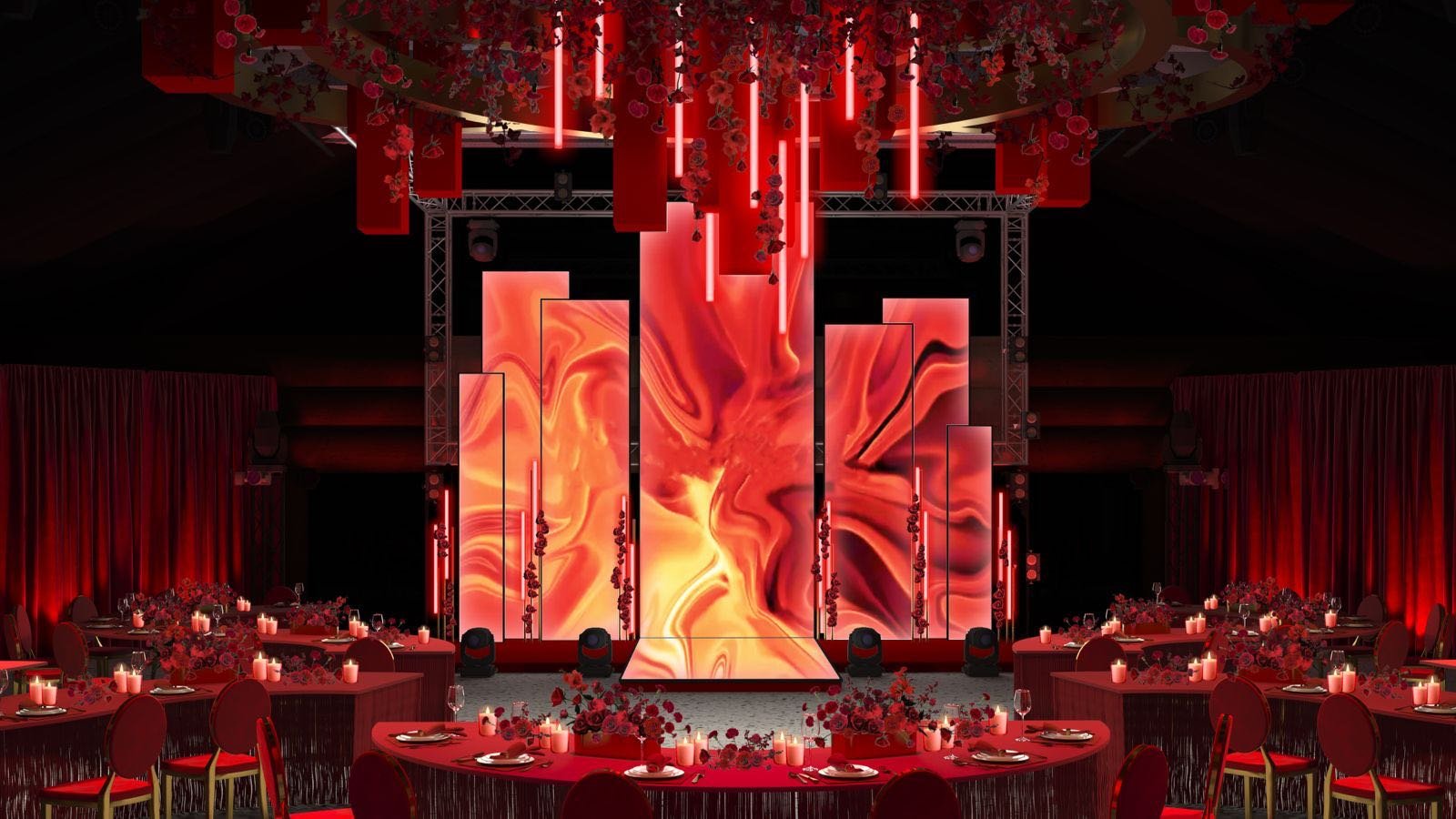
Nightlife & Clubs: Nightclubs and entertainment venues frequently use media servers to power LED panels, projection mapping on walls, and even LED dance floors or DJ booth backdrops. The media server can be hooked into the DJ’s music feed or lighting console, so that visuals pulse and change in real-time with the music. Imagine a DJ drops a new track and immediately the graphics on every screen shift color or intensity to match – that’s a media server at work. In club environments, servers often run in “live” mode (Window Mode) for instantaneous playback, allowing VJs (video jockeys) to mix content like one would mix music, and triggering special visuals for guest performers or themed nights.
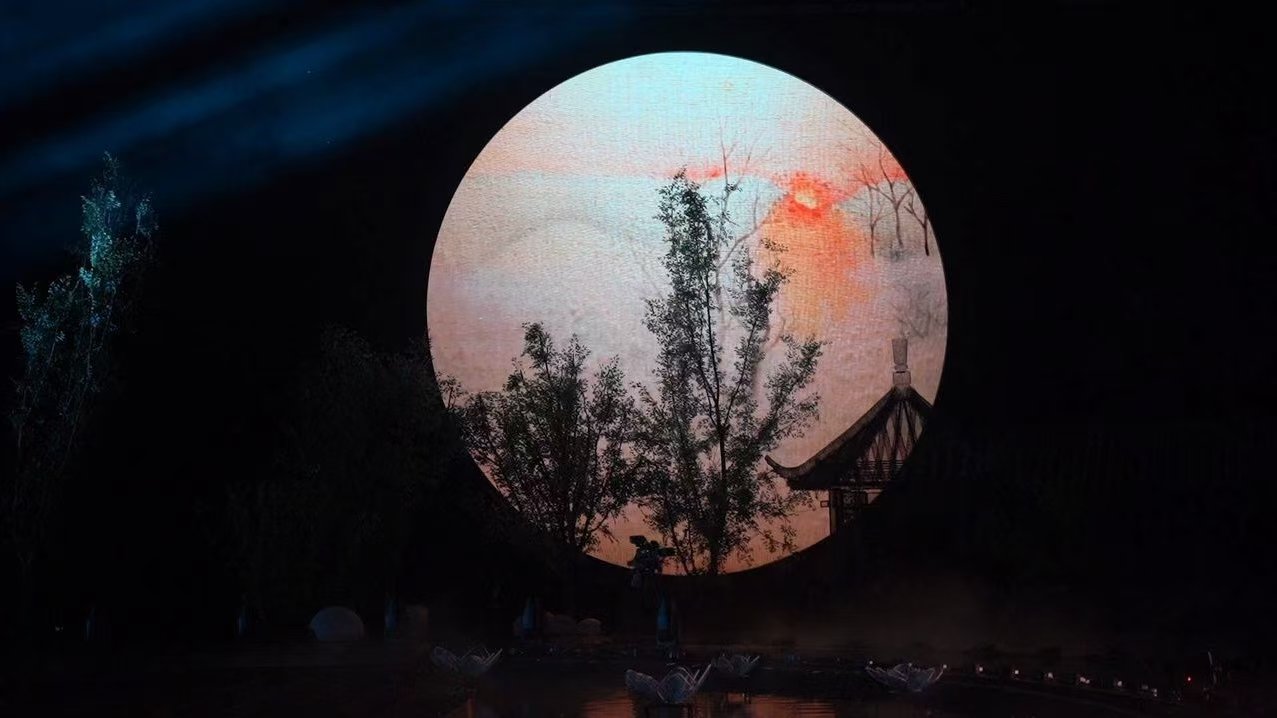
Concerts & Live Entertainment: This is where media servers truly became stars. At concerts, media servers drive the huge LED walls showing everything from live camera feeds of the performers to animated visuals and lyrics, all perfectly timed to the music. In a tour setup, the lighting designer and video content team work hand-in-hand using media servers to ensure every song has a coordinated look. For example, when the drum beats hit, the media server might trigger flash effects on screen in sync with stage lights (via pre-programmed cues). In theater productions, media servers are used to project scenery and backgrounds onto screens or sets. Because they operate on a timeline, they can change the entire stage environment at the cue of the stage manager – e.g. smoothly transitioning from a day scene to night scene across multiple projectors and LED props with one trigger. The ability to handle multiple projectors means even large, panoramic backdrops in a musical can be achieved with one system. Many Broadway and West End shows use media servers for projected backdrops and interactive stage elements.

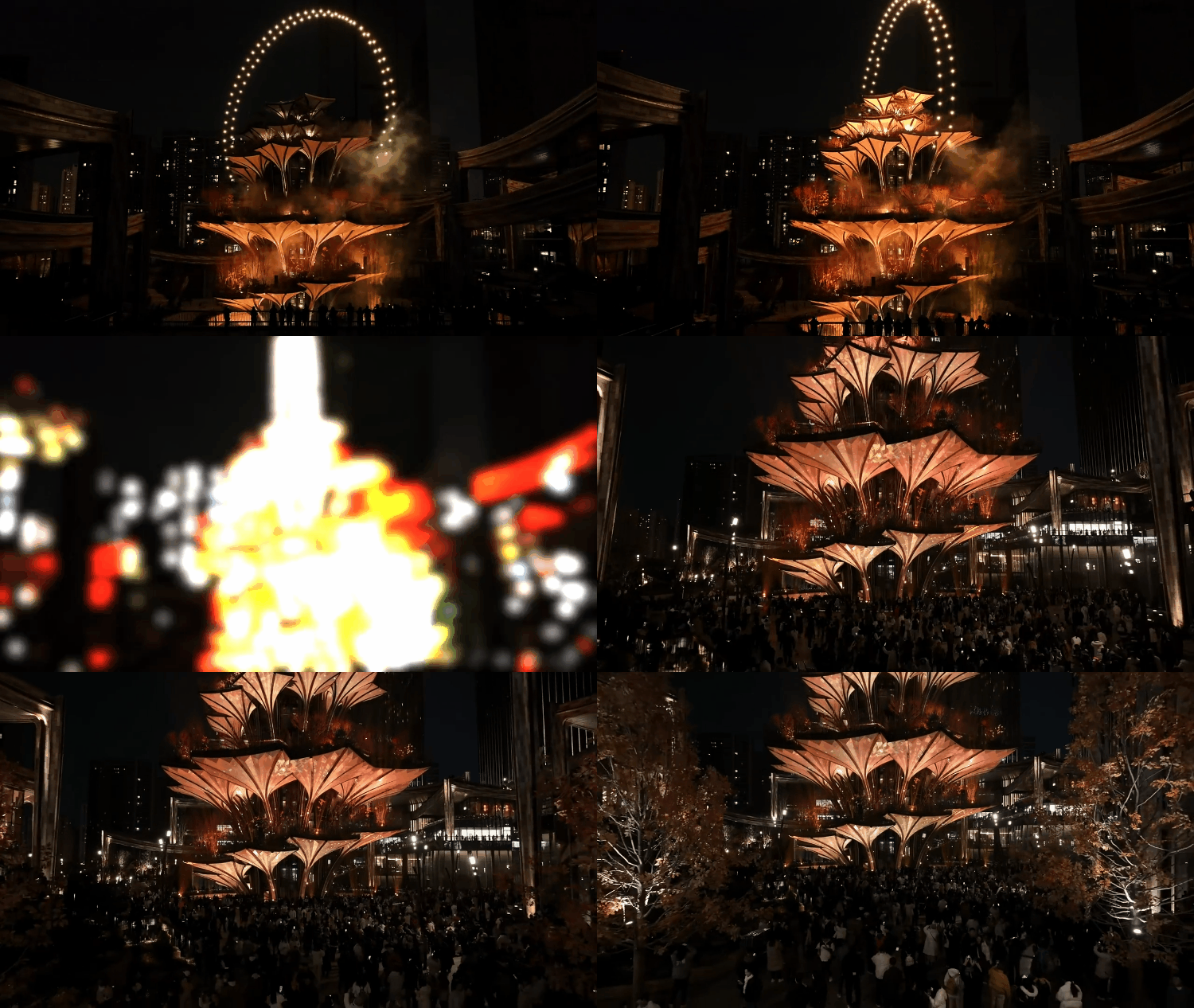
Exhibitions & Museums: Walk into any cutting-edge museum or trade show exhibit these days, and you’ll likely encounter media server technology. Immersive art installations – like rooms where projection covers all walls – rely on media servers to blend many projectors into one seamless image and to sync surround sound audio with the visuals for impact. Museums use media servers for exhibits where video, sound, and sometimes sensor-interactive elements are combined. For example, an exhibit might project historical footage onto a sculpture while playing audio narratives; a media server can make sure the video loops and audio are locked together and even trigger lighting in the room to match. Exhibition booths at trade shows often deploy LED walls or curved screens to attract visitors; a media server helps manage that content, often enabling last-minute updates (say a company wants to change a video in the morning before the show – it can be done centrally through the server). Because these applications can be permanent or long-running, reliability is key – media servers in these settings often run every day for months, so their robust design and scheduling capabilities shine here.
Corporate Events & Conferences: In the corporate world, media servers elevate presentations and product launches to high-end productions. If you have a big corporate conference with multi-screen staging, a media server can feed the main projector, side IMAG screens (for live camera feeds of presenters), and any scenic LED walls all at once. This ensures that when a CEO clicks to the next slide, not only does the slide change on the main screen, but supporting graphics or videos on other screens play exactly on cue across the stage. Media servers also simplify handling a mix of media – one session might require a video, another a set of slides, another a countdown timer – all of which can be queued in a timeline and triggered without juggling sources. At flashy product launch events, media servers are used to create spectacle: e.g. projecting a car’s silhouette on a scrim that then raises to reveal the real car, all timed with music and lights. Thanks to features like high-resolution support and multiple outputs, the visuals will be stunning (4K product videos, multi-angle views, etc.) and everything runs on schedule. Even for live webinars or hybrid events, a media server can simultaneously send content to the in-room screens and the broadcast stream, ensuring consistency for both live and remote audiences.
As you can see, media servers have become essential in any scenario that demands professional, engaging visuals. From theme parks to broadcast studios, their ability to coordinate multimedia elements has expanded what’s possible in show design. For venue managers, tech leads, or creative directors, understanding media servers means unlocking new creative potential – you can dream up complex visual experiences, confident there’s a tool to execute it.
Meet Hirender: Advanced Features Made Easy

By now, you might be thinking, “This sounds great, but also complex and expensive.” The good news is that modern media server solutions like Hirender are making these advanced capabilities more accessible than ever. Hirender is a media server platform that offers all the advanced features of top-tier systems (such as Disguise or Dataton Watchout) while keeping the interface user-friendly for newcomers. In other words, you get the power the pros use, without needing weeks of training to get started.
Here are some of the standout capabilities that Hirender brings to the table (and why they matter for you):
Timeline & Live Modes: Hirender provides both a familiar timeline-based editing mode for precise programming and a “window” (live) mode for improvisation. The timeline mode works much like a video-editing timeline (if you’ve used tools like Adobe Premiere, you’ll feel right at home) – you can drag and drop media clips, set cues at exact times, and layer visuals easily. This is perfect for planning shows or sequences in advance. When you need to go live or make quick changes, the window mode lets you trigger and mix content instantly on designated screens. This dual-mode operation means you’re covered for both scripted performances and spontaneous creativity. Whether you’re running a tightly timed theater show or a free-flowing live event, Hirender adapts to your workflow.
Ultra-High Resolution Support: Just like the highest-end servers, Hirender can handle extreme resolutions and large canvases. It supports playback up to 16K x 16K resolution (that’s over 250 million pixels!). In practical terms, this means you could drive an enormous video wall or an array of blended projectors with a single Hirender system, without downscaling your content. It’s built for today’s world of 4K and 8K displays – and tomorrow’s beyond. Alongside resolution, it’s optimized for smooth playback and can manage flawless multi-display synchronization at those high resolutions. So if you have a wide panorama or a complex LED installation, you know Hirender can deliver stunning, crystal-clear visuals across the whole setup
Comprehensive Protocol Integration: A big part of what makes media servers “central control” systems is their ability to talk to other devices. Hirender shines here by supporting over 20 industry protocols out-of-the-box, including the key ones like DMX512, Art-Net, and MIDI. This means it can send and receive signals to lighting consoles (DMX/Art-Net for controlling lights or listening to lighting cues), interact with show controllers, trigger pyrotechnics or motion systems, and sync with musical equipment (MIDI, often used for time code or keyboard triggers). It even supports protocols like TCP/UDP network messages and Dante (audio over IP). For a venue manager, this integration is gold – it simplifies complex productions by letting one system trigger everything. You could have Hirender start a video, cue a lighting change, and move a piece of stage machinery all in the same timeline. It bridges all the tech components so they work in harmony.

Reliability and Backup: Hirender is engineered for rock-solid reliability in critical shows. It includes a Primary/Backup server mode – essentially two servers running in parallel, with realtime sync – so if one fails, the other seamlessly takes over. This failsafe design has been proven on the biggest stages; in fact, Hirender has powered huge events like the Beijing Winter Olympics opening ceremony, where multiple synchronized servers ran the colossal floor and background displays. For you, this means peace of mind: even under the pressures of live events, Hirender won’t let you down. It’s built to excel under demanding conditions and keep the show going no matter what.
All the Bells and Whistles: Beyond the headline features, Hirender offers all the advanced tools you’d expect from a top-tier media server. It has a powerful rendering engine capable of real-time effects and 2D/3D graphics processing, so you can do things like live particle effects or shader effects on your content. It supports virtually every media format and codec, so you can throw your content at it without worrying about conversion. Need to do projection mapping or LED pixel mapping? Hirender includes precision warping, blending, and even 3D mesh adjustment for complex surfaces. Want to protect your content? It has built-in media encryption and user access controls, ensuring your media and settings are secure during high-profile events. Despite all this power, the software’s user interface is intuitive – described as “simple enough for new users yet powerful enough for experienced event producers”. In short, no major capability has been left out; Hirender packs the same punch as the big-name servers, while aiming to be easier to learn and use.
Bottom line: A media server doesn’t have to be intimidating. Hirender is a great example of a solution that balances advanced functionality with user-friendliness. It gives venue managers and creators the tools to execute jaw-dropping visual experiences (multi-screen videos, interactive lighting integration, ultra-HD displays – you name it) without needing a degree in computer science. If you’re looking to upgrade your venue’s visual production values, investing in a media server like Hirender can be a game-changer. You’ll be able to wow your audiences with synchronized, high-impact content while keeping control of it all at your fingertips.
Whether you run a live music hall, a theater, a nightclub, a museum, or corporate events, understanding media servers opens up new possibilities. 2D media servers, in particular, are an excellent starting point – they cover the vast majority of use cases involving screens and projections on flat surfaces with a straightforward approach. As we’ve seen, their advantages in synchronization, real-time control, and multi-display handling can greatly simplify production logistics and unlock creative potential. And when you’re ready to push the envelope with your visuals, remember that Hirender and similar platforms are there to ensure you have all the tools the pros use (synchronized 4K+ playback, timeline programming, external device integration, backups, etc.) – without the steep learning curve.
We hope this guide has given you a clear, dummy-proof overview of media servers and how they can elevate your events and installations. If you’re excited by the possibilities, don’t be afraid to dive in and try a media server for your next project. With the right system in place, you’ll be able to Unleash your creative vision and deliver experiences that leave a lasting impression on your audience. Good luck, and happy server-ing!
Limitless Applications Across Industries
The Hirender Control System Seamlessly integrates sound, lighting, display, and mechanics via timeline and program management, excelling in ultra-high-resolution video control, LED screens, and projection blending for exhibitions and performances. As the backbone of the 2022 Beijing Winter Olympics and 2023 Hangzhou Asian Games ceremonies, Hirender ensured precise synchronization of every program element, captivating global audiences with unparalleled audiovisual experience.
Scalable and Versatile Solutions
For Every Project
S3
Perfect for Rental Houses


C5
Permanent Installs